When we remove a file from the computer, it does not immediately disappear from the physical storage medium. The operating system usually simply removes the index of the document and marks the space it occupies as “coverable”, while the actual data of the document remains silent until it is covered by the new data. It is on this basis that document data recovery techniques attempt to retrieve and reconstruct deleted or lost information before the data are professionally covered。
Unlike many imagine, document data recovery is not a single technology, but rather an integrated process involving bottom storage principles, document system logic and specific software tools. In order to understand their value and limitations more clearly, we can compare them with several common data management concepts。
I. Document data recovery versus conventional backup
This is the core set of comparisons, both of which aim to ensure data security, but with different concepts and approaches。
Active vs. Passivity: regular data backup (e. G., regular copying to external hard drives, network storage or cloud services) is a proactive, preventive measure. It is the systematic creation of copies prior to the loss of data. Document data recovery is a reactive, remedial measure. It is an emergency programme that is initiated only after the data has been lost (e. G., error deletion, formatting, partition damage)。
2. Determination and uncertainty: backup provides certainty. As long as the backup file itself is complete and the version is correct, restoring the data is 100 per cent successful and can be accurately restored to the status of the backup. Document data recovery is full of uncertainty. The success rate is highly dependent on whether or not the storage medium is included in the new content after the data is lost. Once key data areas are covered, restoration may be partial or complete, and recovered documents may also be incomplete or damaged。
3. Cost and complexity: the establishment and maintenance of a back-up system requires upfront inputs (hardware, software or service subscriptions) and ongoing management effort. By contrast, recovery techniques appear to be “zero cost” before data loss occurs. However, where recovery is needed, the process may be very complex, especially in the face of hard drives of physical damage, which may require professionals and a clean environment at high cost. Backup is a manageable daily cost, and recovery is often an uncontrollable contingency。
Conclusion: document data recovery is not a substitute for backup. It's more like the “last line” of data security, and the backup is the solid “wall”. The most secure strategy is “back-up, back-up” and never relies on recovery as a high standard of data security。
Document data recovery versus cloud synchronisation/recycling stations
Cloud-synchronous services (e. G. Webs) and operating system recycling stations provide users with another layer of data protection, but they are fundamentally different from professional data recovery。
The logical hierarchy is different: the "historical version" function of the wastebin and cloud synchronisation is essentially a high-level managed "delayed deletion" provided by the operating system or application layer. When a document enters a wastebin or cloud, its storage location and management changes but does not fall outside the effective management of the document system. Professional data recovery processes “bottom” data that have been lost to the file system index and cannot be directly identified by the operating system。
2. Limited coverage: trashes usually capture only deletions performed through the os interface. There is nothing to do with the removal of command lines directly using “shift+delete”, removal from mobile devices, formatting operations, partition deletion or virus damage. The historical version of cloud synchronisation also has capacity and time limits. Data recovery techniques attempt to cope with these lower and more serious loss scenarios。
Level of automation: trash and cloud synchronisation are automated and users can use “revert” without special knowledge. Data recovery usually requires the user to choose and run the professional software or to turn to the service, a process that requires some technical judgement。
Conclusion: wastebin and cloud synchronisation are convenient “safety nets” that apply to routine errors. However, the loss of deeper data beyond this “net” requires an attempt at recovery by relying on data recovery techniques。
Iii. Core methodology and limitations of documentation data recovery technologies
When we understand its location, we look at the technical approaches on which document data recovery is based, and their merits。
1. Recovery based on document system structure: this is the most common logical recovery method. The software resolves the bottom sector of the storage device and looks for residual file system metadata (e. G. Fat table entries, ntfs mft records). If complete metadata can be found, the name, directory structure and storage location of the file can be accurately restored。
:: advantages: restoration of high accuracy, retention of file names and paths, speed。
:: disadvantages: heavy reliance on the integrity of metadata. This method will be significantly less effective if the file system is badly damaged or formatted and metadata are lost or damaged。
Resuscitation based on document content characteristics (commonly known as “deep scanning” or “original recovery”): this method becomes dominant when filesystem information is not available. It does not rely on the index of the file system, but rather directly scans the original section of the storage medium, identifying and extracting data clips by identifying the “file header” and “file tail” signature for a particular file type (e. G. A jpeg image starts with “ffd8ff” and a PDF file begins with “PDF-”)。
:: advantages: without relying on documentation systems, they may still be effective in serious situations such as formatting and loss of partitions。
:: disadvantages: recovered documents usually lose their original filename and directory structure, and all documents may be placed in a single folder, requiring user self-certification. In addition, recovery may be incomplete or erroneous if the document is fragmented or the signature of the character is not of high standard。
Physical layer restoration: when physical malfunction occurs in storage media (e. G. Hard disk, solid-state hard drive, udis), such as magnetic head damage, non-rotation of electric power, chip failure, the software method described above is completely ineffective. Physical recovery is needed at this time。
:: advantages: a high standard way to address the loss of hardware-level data。
:: shortcomings: diversity takes place in a professional dustless environment that may require replacement of accessories, access to chips, high technical thresholds, high costs and no guarantee of credible success。
Iv. Key factors influencing recovery success
Understanding the following factors helps to make the right decision when data is lost and avoid secondary harm。
1. Operations after data loss: this is the most important factor. Any new data should be added to the storage device as soon as the data is found to be missing. The continued use of computers, the installation of recovery software to lost partitions, the preservation of files, etc. May cover the area where the missing data are located, resulting in loss of professionalism。
2. Storage media type:
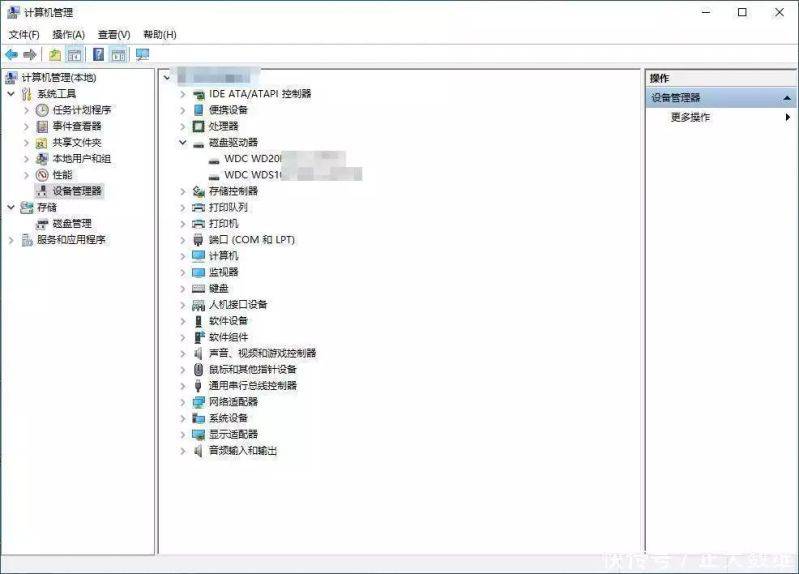
* mechanical hard drives: before data are covered, recovery is more promising. But the physical structure is fragile, afraid of vibrations。
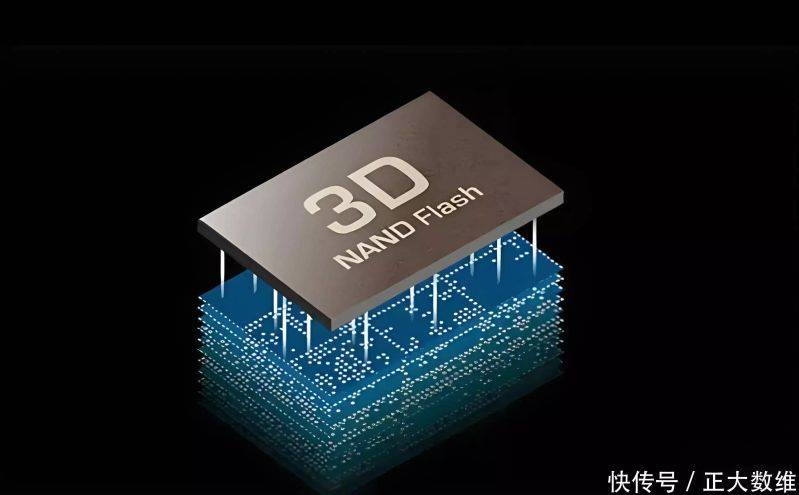
* solid-state hard drives: because of the working mechanisms of its `brand balance' and `trim' directives, the data removed may be rapidly erased by the master to prepare for the next writing, which poses a great challenge to recovery. The success rate of restoring data on ssd is generally lower than that of mechanical hard drives。
*u drive/stor cards: the rationale is similar, but the mass of chips is uneven and sudden power cuts or plugs can easily lead to logical errors。
3. Reasons for the loss of data: better prospects for recovery by error of deletion, misformatization; virus damage, secondary damage to the partition table; and physical recovery of diversity in the event of numerous physical malfunctions on the hard drive, such as bad and acoustic。
4. Characteristics of the document itself: it is more difficult to restore the integrity of a large document stored continuously than a small document that is fragmented. Text-type, compressed package-type files may not be usable if partially damaged, while photographic, video-type files may tolerate partial data errors (showing part of the picture or carrying marseek)。
V. Practical recommendations and notes
For ordinary users, the following steps should be followed in the face of data loss:
1. Immediate cessation: immediate cessation of use of equipment involving data loss. In the case of loss of data on computer systems, the data should be shut down and other computers should be used to study countermeasures。
Preliminary assessment: identify the cause of loss, type of equipment, importance of data. This determines whether the next step is to try and seek professional help。
3. Careful choice of software: if a self-testing logical recovery is required, a reputable professional data recovery software should be selected. Pay attention to installing or running software on other hard drives and saving recovered data to another physical hard drive, with no known repossessed location。
4. Understanding limitations: reasonable expectations of the results of software recovery, especially after deep scanning, may be faced with the collation of large quantities of anonymous documents。
5. Critical data refer to specialized agencies: for data that are physically damaged or vitally important, self-dismantling or repeated electrical attempts are not recommended. Professional data recovery services should be contacted. The selection is made with regard to their specialization, working environment (with or without dust) and assessment processes。
Overall, document data recovery is a powerful but not high-quality technology. It profoundly reveals the essence of digital storage: what we think is “deleted” is often simply a “forgotten”, while the real disappearance occurs at the moment of “covered”. This technology provides us with a valuable window of opportunity between "forgotten" and "disappeared". The wisest approach, however, is not to rely on this “window”, but to place itself in such a strong backup habit that it is not necessary to bet that the window remains open. Understanding the rationale and limitations of recovery technologies allows us to manage our valuable data more readily in the digital age。