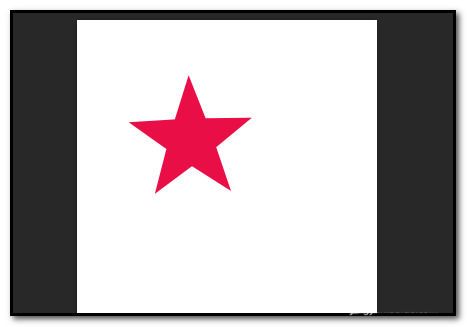
The user who just started photoshop cs6 is probably not sure how to design all kinds of pentagrams? Now, let's look at the specific ways in which the photoshop cs6 designs all kinds of pentagrams。
Photoshop cs6 design specific methods for various pentagrams
We need new canvass first; white bottom; document size. This is 300 x 300

Then we put the mouse in the spot and we didn't let go. Right pop up tool menu, point: polygonal tool
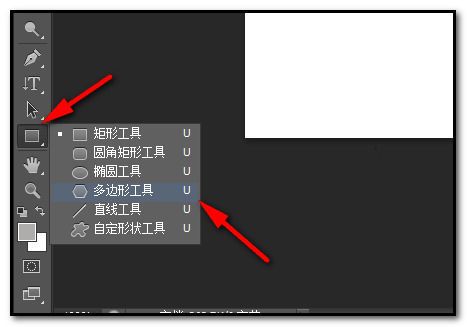
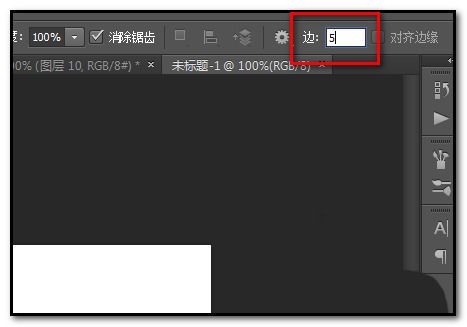
At this point we show here in the menu bar the properties of the polygon tool, set here to five;
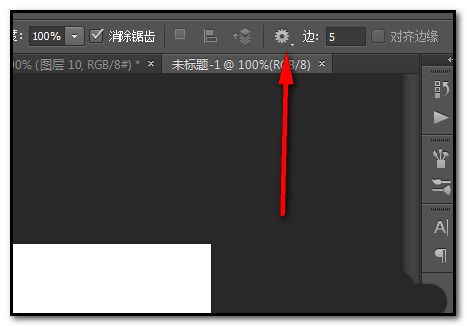
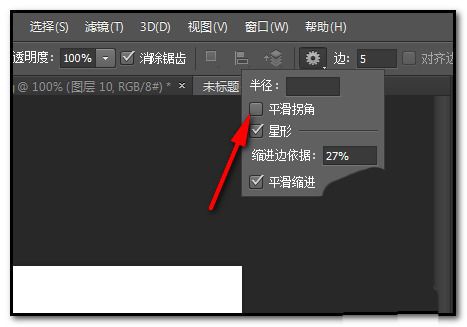
And then we're going to click on the left here on the gear icon and pop up the settings below. The settings are then shown in the second chart of this step。
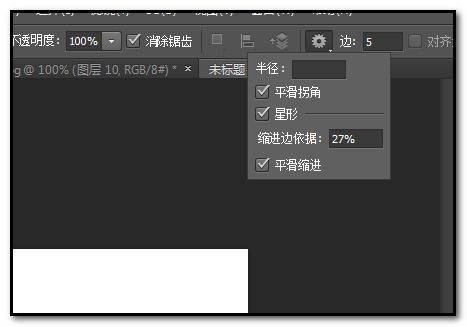
And then we set the background color to our preferred color, drawing pentagrams in the canvas; as you can see, the pentagon angles in the canvas are round。
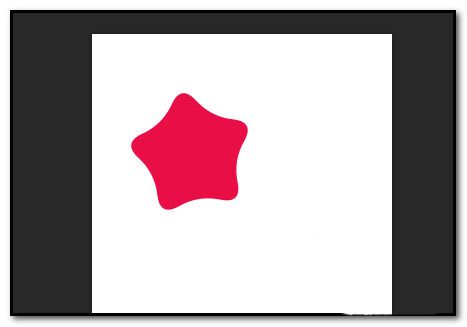
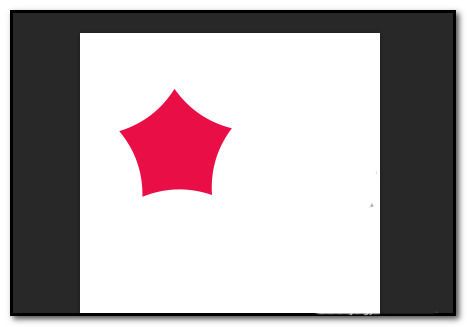
If the five corners of the pentagon are sharp, cancel the smooth corner around the panel. And on the canvas you draw pentagrams, and at that point, the pentagrams are sharp。
If you want to draw a regular pentagram. We set the panel here, set the parameters of the indent side basis at 50 per cent; and smooth indentation is cancelled。
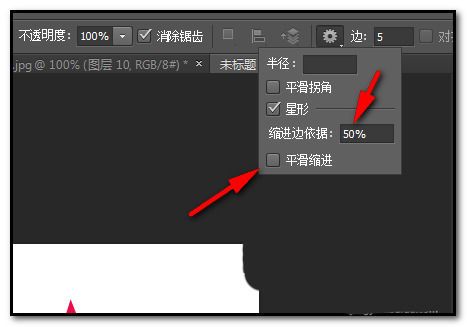
And finally, we draw the pentagram on the canvas, and then the pentagram of the canvas is the style we're asking for. All we have to do is be careful, and each option will be set, tried, operated, and some of the little tricks will be skilled。