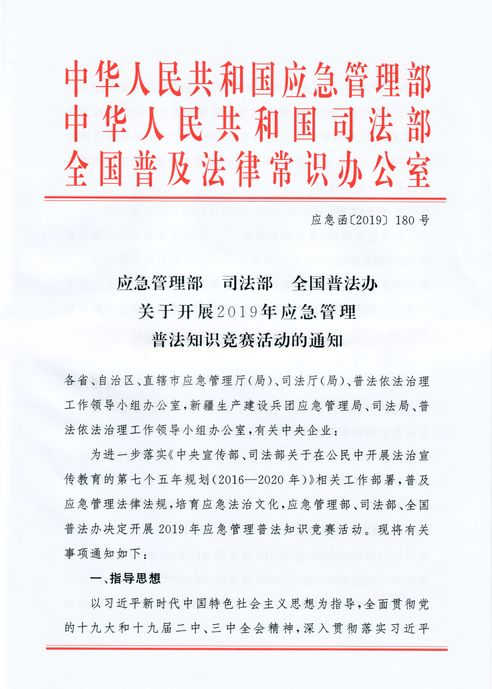
2019 legal literacy competition for emergency management
(b) to follow up on the key messages of the secretary-general of xi jinping on emergency management, to disseminate knowledge of the laws and regulations governing emergency management, to foster a culture of rule of law in emergency response, to strengthen awareness of the rule of law throughout society and to improve the quality of security and prevention capacity of the population。
First national race, september
Where does the study contest go
[responds] to the official website of the ministry of emergency management, the ministry of justice, the national public justice initiative, and the official platform of the ministry of emergency management's public information and education centre, where you can participate in the activities of the ap, or to provide online answers by scanning the two-dimensional code of micro-credit。
Please download the phone and install it
Platform 2d code. Long press recognition
Question 2d. Long press recognition
How to participate in the simulation competition
[a response] during the preparation of the study, the simulation test can be taken by clicking on the first page of the competition simulation。
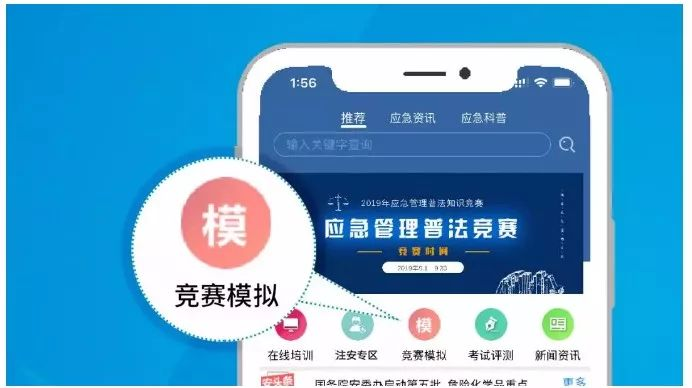
How to enter the competition page
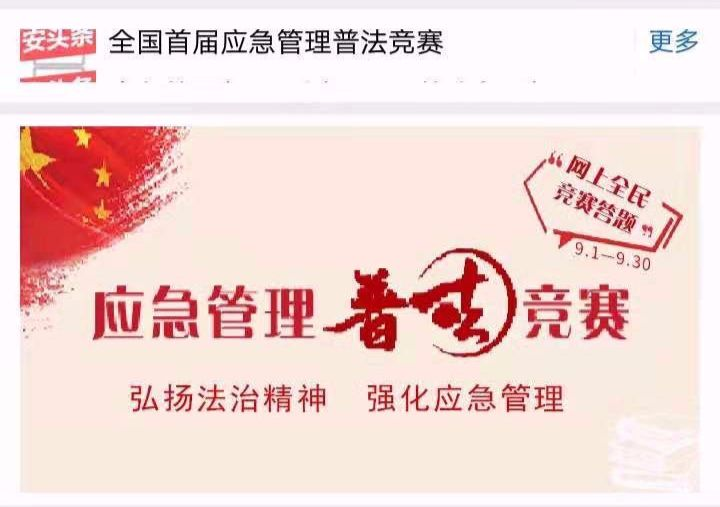
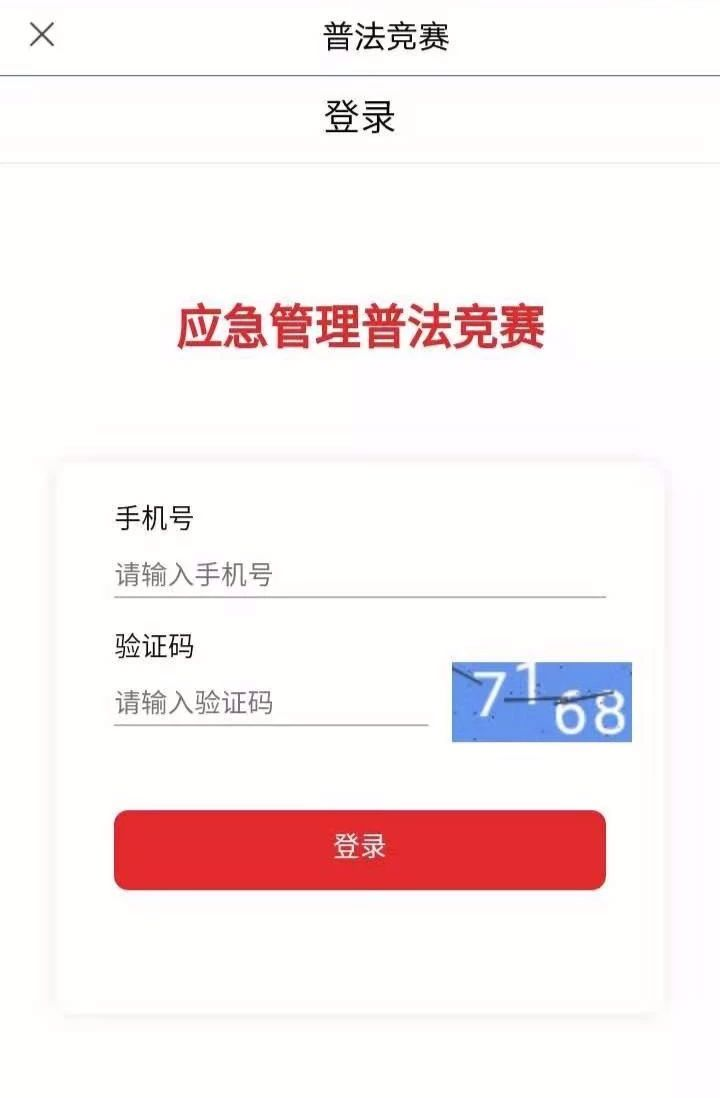
[responds] click on the competition window on the first page of the platform, enter the registration page and log in with a mobile phone number。
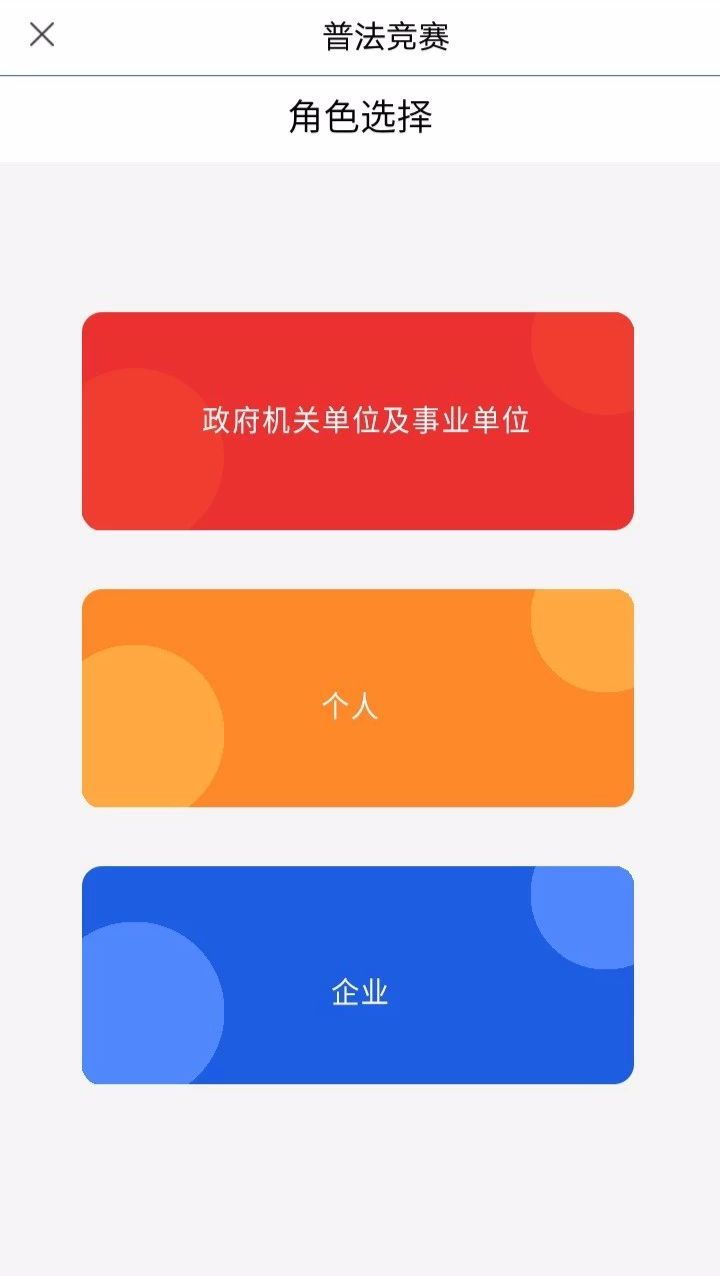
How to fill out personal information
[responds] select to participate in the competition by filling in personal information and preserving it as required。
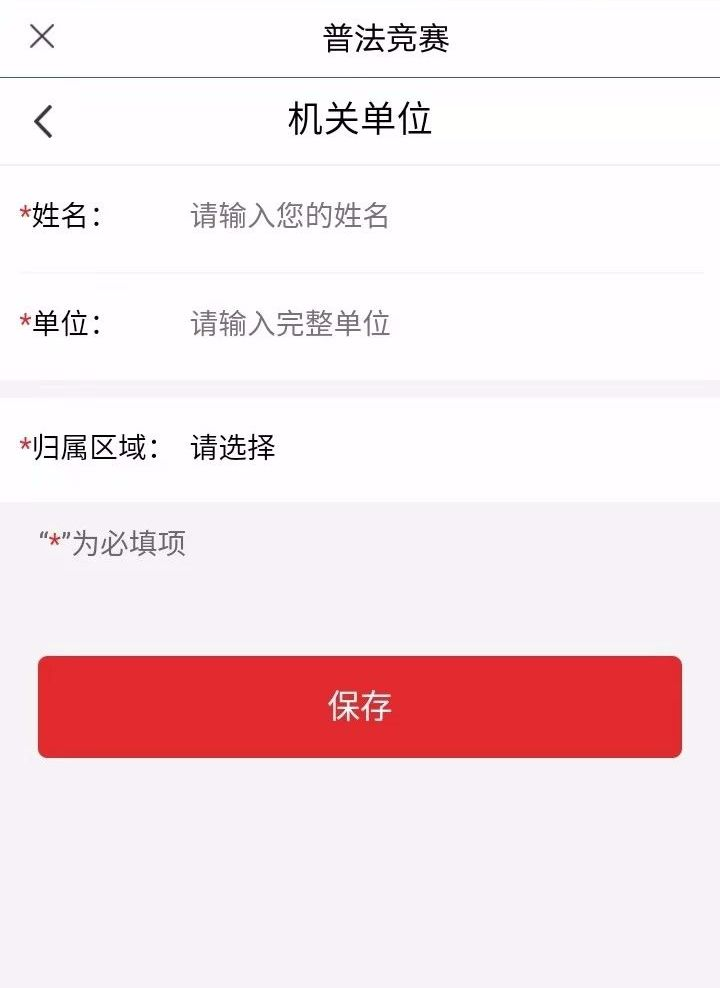
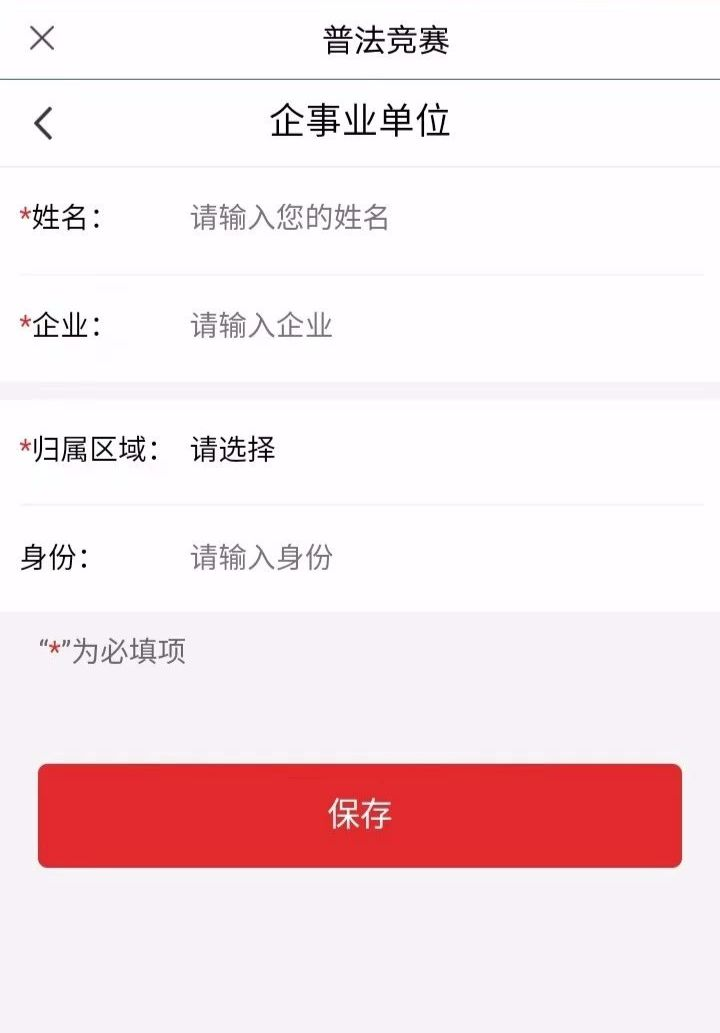
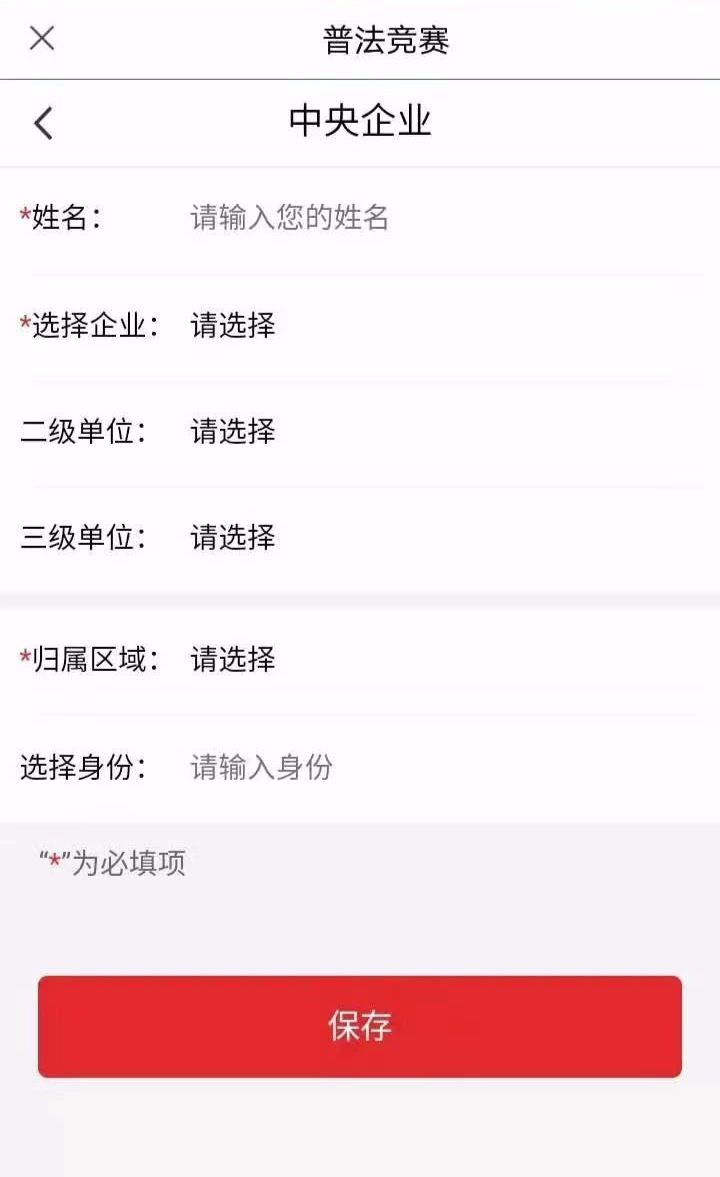

How to answer
Upon confirmation of your identity information, enter the response page where you can view the text of the pffaic question, see the list of problems, the legal and regulatory database, and the points exchange。

Query page
Query page introduction
Pafa: the user clicks on the pfaa to enter the response page, with a single title, and the user clicks on the next question to enter the next one after choosing the answer (do not choose the top left button to return the question before the answer is answered, does not enter the answer again after clicking on the return key, and only once a day for each account). After all the topics have been answered, just click and submit. Note the response time, and the answer time is 0:00。

See the pitfalls: the user clicks to remove the pitfalls and enters the response page with a single title, the user clicks on the hazard area for selection, each question has only one chance of answering, the answer is analysed below the end of the question, and the user can view the resolution to learn about it. (do not select a return key for the upper left corner until the question has been answered, and cannot enter the answer again after clicking the return key, with only one answer per account per day)。
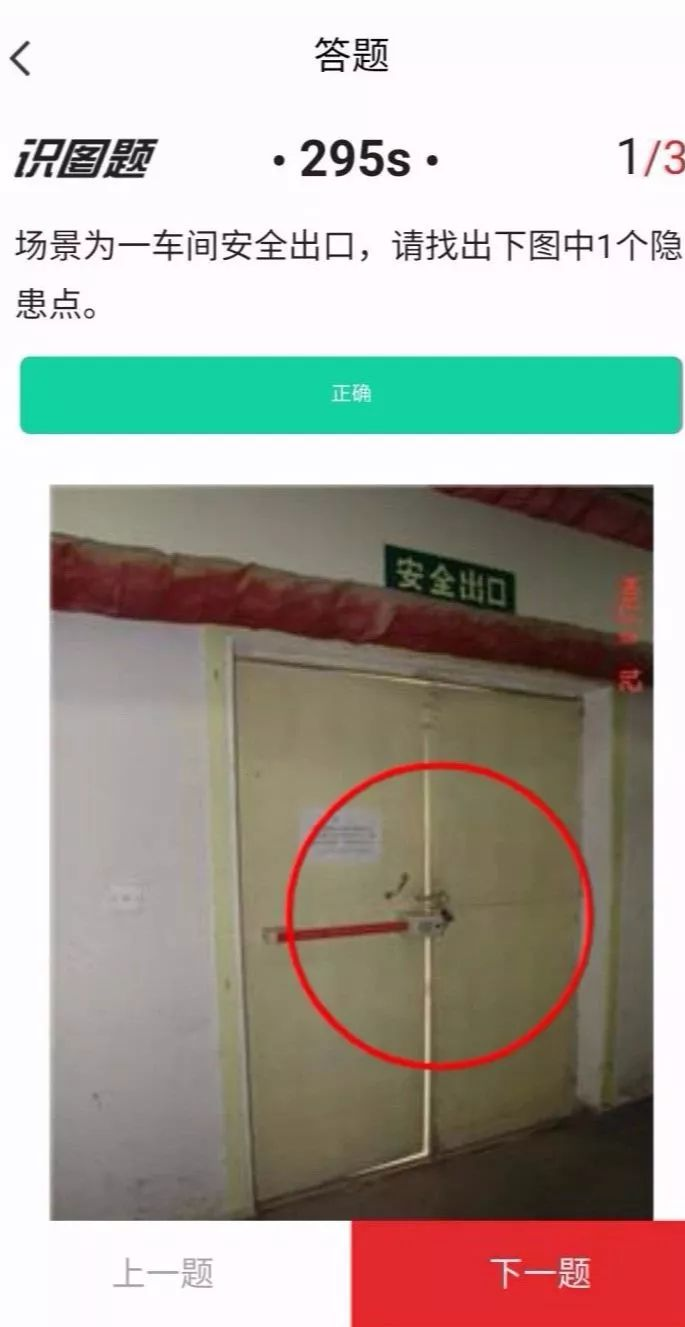
Answer results: click on the submission to view the answer results, click on the question review to view the full title, and click on the first page to return the first page。

Database of laws and regulations: users can access the study page by clicking on the law and regulations library and clicking on the contents of the articles to view the relevant laws and regulations。
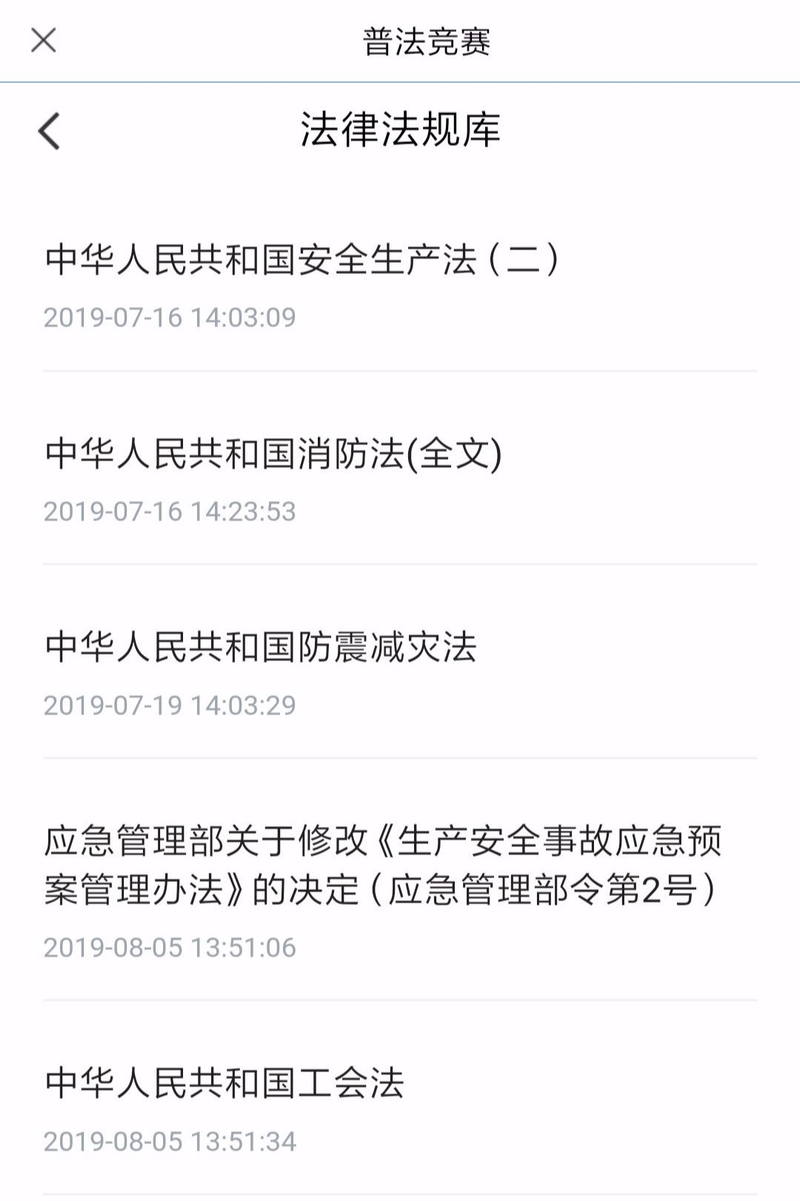
Logging: click on the credit exchange to enter the draw page, click on the draw, i. E., the points draw, and click on the upper right corner to view the record。

Note:
If you click on the u. F. A. Q. Or read the text after today's answer, then you can see the text that has been answered today。
Learning
Learning: click on the bottom navigator learning button to access the learning page, click on article information to view information, and click on the common law video to view the video。
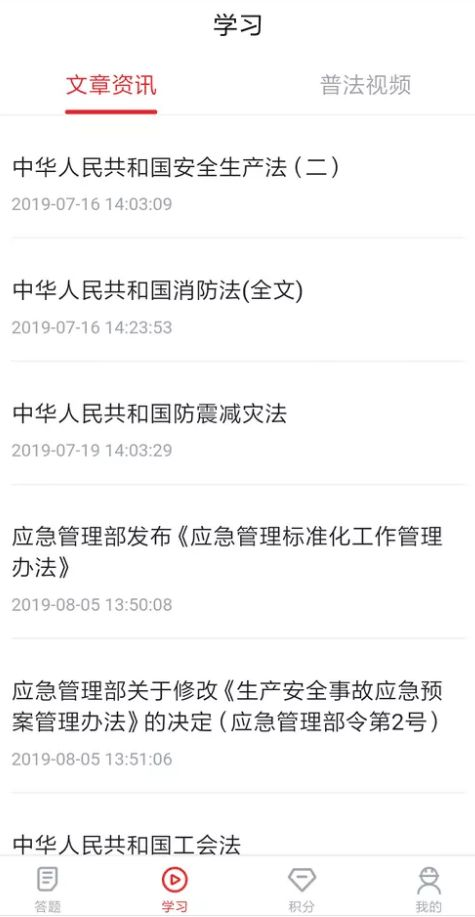
View points
Click on the score button of the lower navigation bar to enter the score page to view the block line and click on an area below the area line to view the detailed area below the area line。
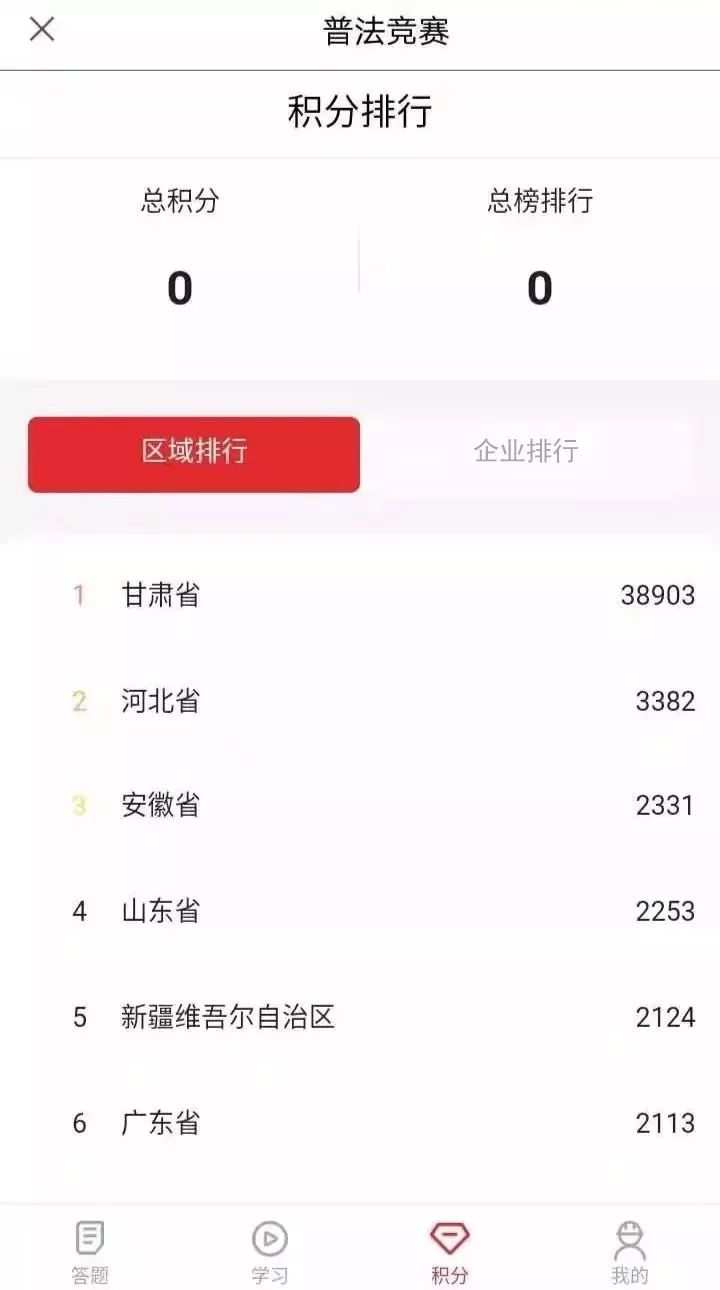
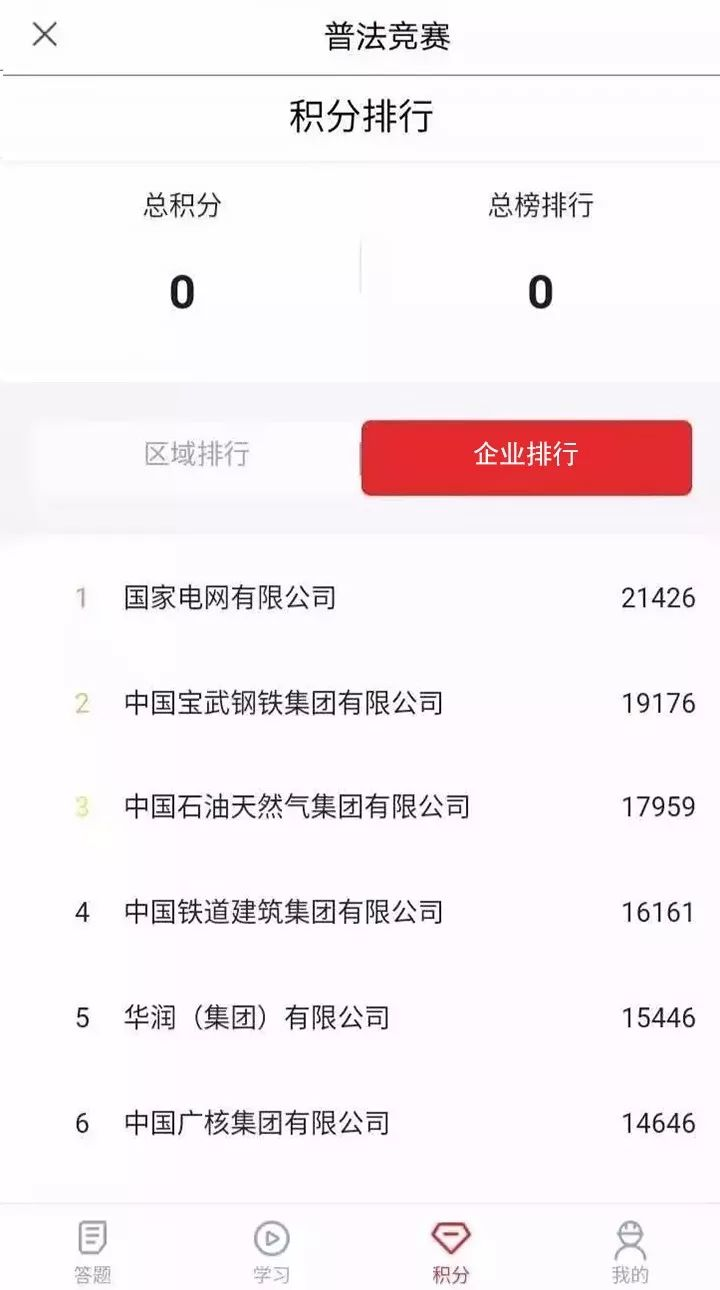
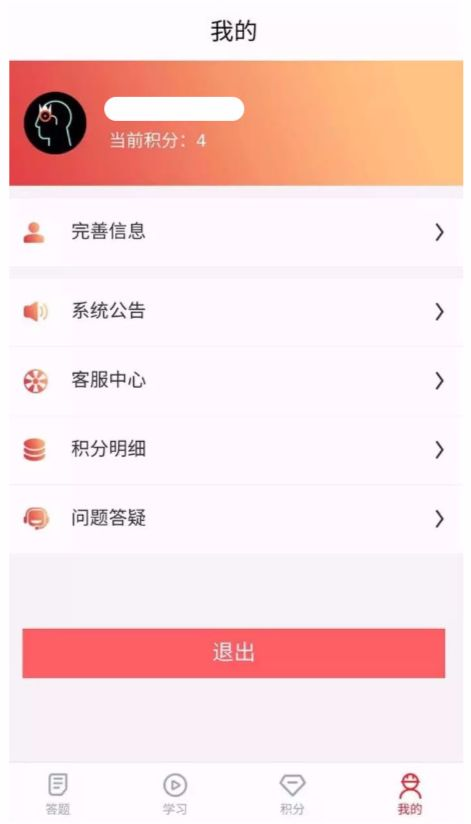
Mine
Users open my page to improve their self-information, click on the system announcement, the customer service centre, the score details, and view the content for questions。
Contact information
Activities cluster: 010-64463527
Queries: 010-64463982
Technical services: 010-64463590
Award services: 010-64463813