Thinkpad's old black screen, flower screen, flash screen? Don't rush to change machines! It's probably screen trouble! 04w1565 and 50. 4ke10. 011 are classic machine failure points like t520, t530, w520 and w530. This paper gives you detailed advice on how to change screens, adapt models, select purchase, and hands on one line to save your “old man”. Low-cost repairs to keep the classic glowing
Hello, treasures, today we are talking about a somewhat old, but very practical topic: the replacement of the chinkpad-type screen! In particular, the “old generals” of t520, t530, w520 and w530, many of whom are still serving on the front line, have recently appeared on black screens, flowers, flash screens? Don't rush a new machine. It's probably the screen
In particular, the screens 04w1565 and 50. 4ke10. 011 are described as “lifelines” of these types. Today i'm here to pick them up, and i'm going to teach you how to judge whether you need to change them, and how to choose the parts and hand hands to save your old man
Something wrong with the screen? Did you get hit with these symptoms
If you have something to do with thinkpad t520, t530, w520 and w530, it's probably a problem with the screen:
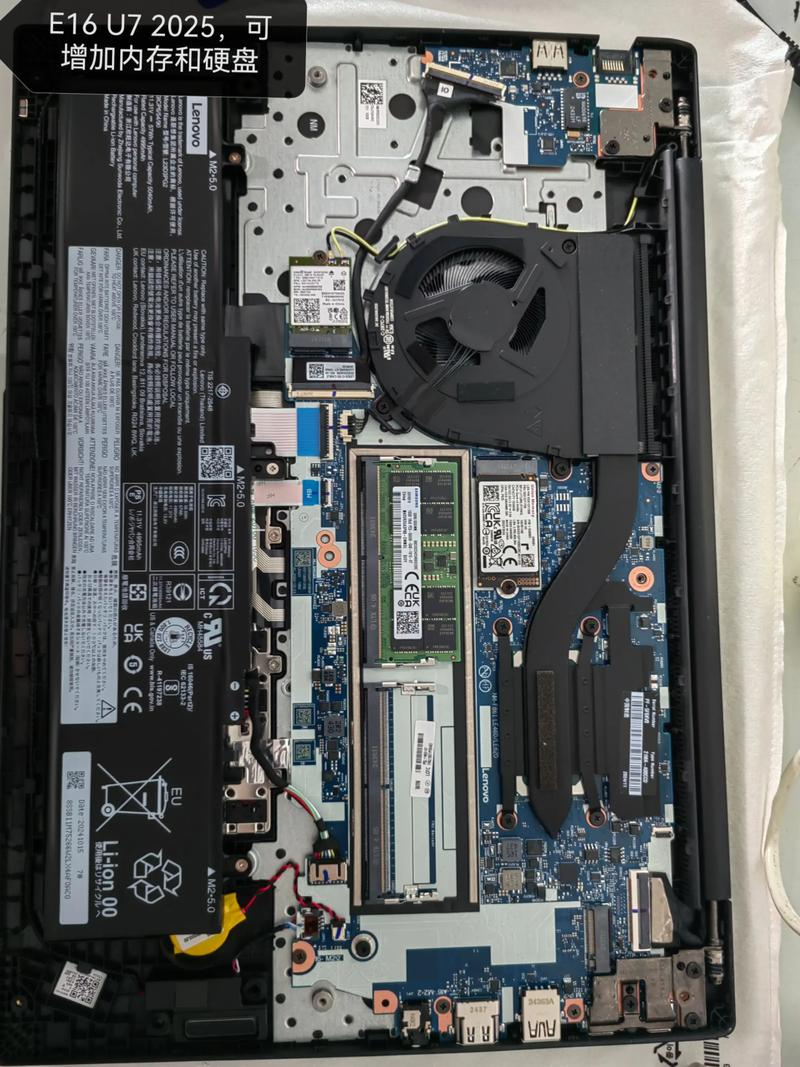
Most of these symptoms are directed at a “principal cause” — ageing or poor exposure to the screen. The thinkpad t/w series screens, in particular models 04w1565 and 50. 4ke10. 011, are known as “vulnerable items” in the repair ring。
The model is clear! Don't buy the wrong screen
Although these thinkpad models look similar, the screen models are not universal! Here is a description of the relationship:
Petty: some users still have problems with rewiring their feedback, possibly because the screen itself is damaged or the main panel interface is broken. It is recommended that the main panel output be tested with an external monitor before the screen is replaced and that the innocent parts be avoided
Here comes the new lesson
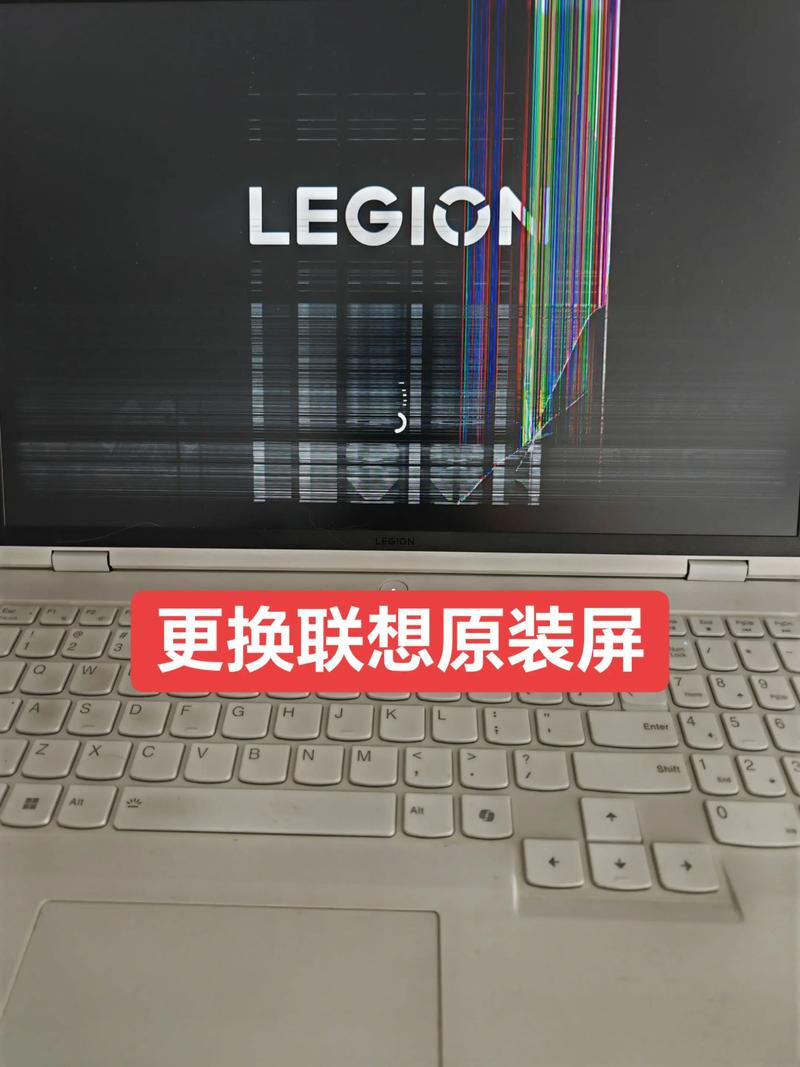
Don't be frightened by the word “maintenance”, but the switch to the chinkpad screen is not complicated, as long as the tools are in place, the small, capable partner can handle it himself
Preparation tools: cross screwdrivers, plastic crowbars, electrostatic bracelets (optional but recommended) power dismantling machines: turn off the power source and the battery off the screws, open carefully the frame of the screen open old and new: find the line that connects the main plate and the screen (that is, the line we want to change), gently open the interface, pull down the old line, replace the new line, insert the fixed one
It's about half an hour, and it's worth a few dozen dollars, and it's like a cabbage price
Selection proposal & pit avoidance guide
Now there's all kinds of wires on the internet. Let me focus on you:
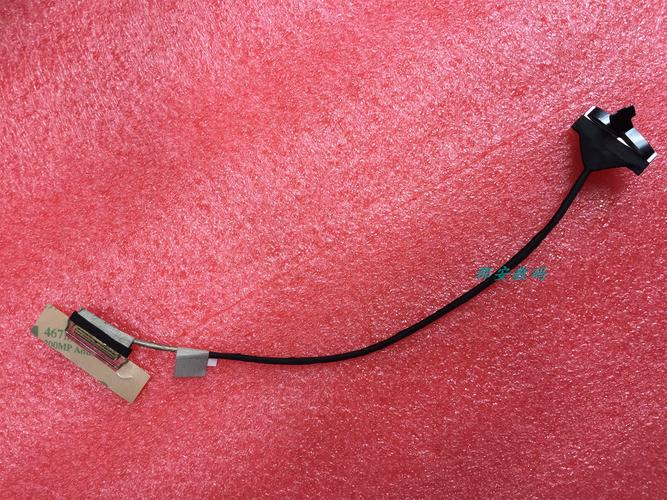
In addition, some traders would sell with a “screen + camera + wi-fi antenna” suitable for small partners planning a one-time upgrade at a higher value。
Concluding: don't let your chinkpad die on a line
Tinkpad t520, t530, w530 and w530 are the elders who have accompanied countless people in the workplace, student parties, bingo players through their youth, although they are no longer “young”, but they can continue to glow as long as we are careful。
So, if your screen suddenly goes on strike, don't rush to change